








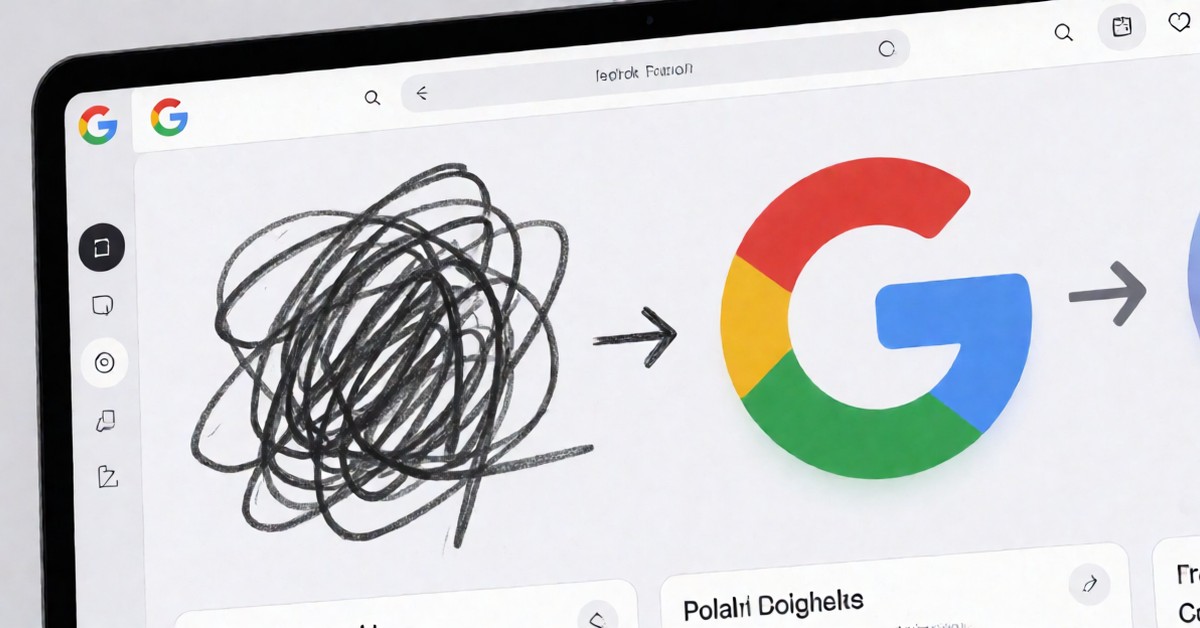
A new web application, the autoDraw tool, allows anyone to create polished visuals without needing artistic skill or formal design training. This free Google service runs in any standard browser, requiring no software download or account creation. The tool introduces a simple way for casual users to translate ideas into high-quality digital graphics through AI assistance. Users benefit greatly from the autoDraw tool’s ability to bridge the gap between a rough sketch and a finished product. This powerful autoDraw tool makes professional-looking visuals accessible to everyone.
Understanding Smart Sketch Recognition
AutoDraw functions by letting users begin sketching with a basic draw tool, regardless of how messy the initial line appears. The system, which employs Smart Sketch Recognition, analyzes every shape the user creates as they draw. As the user sketches, the tool displays a row of professionally designed icons at the top of the screen that potentially match the user’s intent. Users can then click a matching icon, which replaces the messy scribble with a clean, polished illustration. This process acts as a visual translator between a crude sketch and a vast library of professional designs. The technology handles various subjects, including simple shapes and specific objects like cars, dogs, or lightning bolts. Suggestions actively update as the user continues drawing, ensuring the system catches the user’s intent even when adding more complex elements to the design. This ability to refine quick ideas is what makes the autoDraw tool useful for many creators.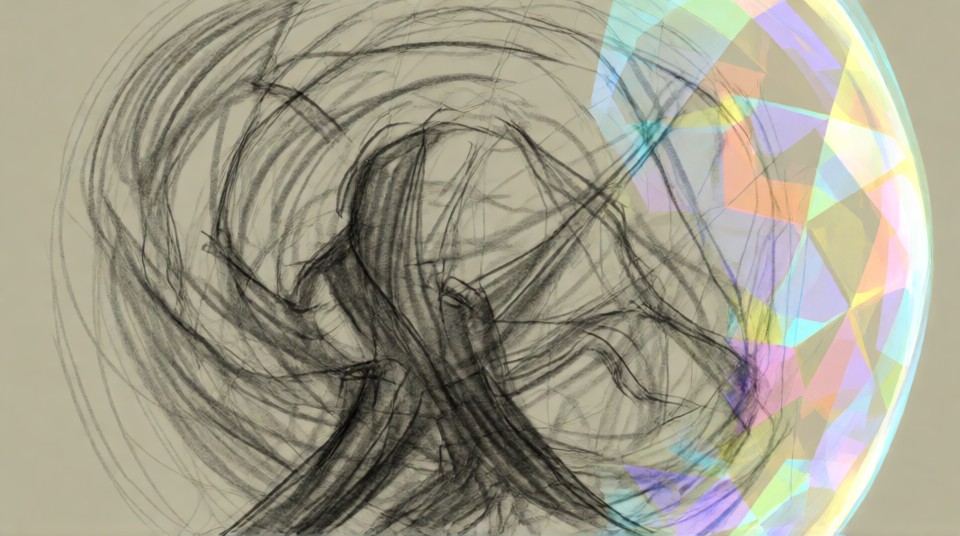
Create Visual Assets with Ease
Beyond the primary drawing feature, the tool offers basic elements for adding color fills, text, and simple shapes to the design. Users complete their intended visual and can then download the finished image file as a PNG. This capability makes the tool accessible for quick projects, such as creating simple graphics for presentations or personal use. Even if a person’s artistic ability is limited to stick figures, the autoDraw tool claims the output will look professionally rendered. The application works seamlessly across both desktop and mobile devices, allowing users to operate it with a mouse or a finger. The autoDraw tool prioritizes speed and accessibility over artistic precision.
Here are some ways the autoDraw tool can help everyday users: Quickly create simple icons for personal projects or social media. Generate basic shapes for educational materials or quick diagrams. Translate rough ideas into polished graphics without complex software. Experiment with visual concepts before committing to professional design work.
Is the autoDraw tool perfect?
Google claims that the system uses visual pattern matching to interpret the user’s hand movements and shapes. The Smart Sketch Recognition system looks for matches between the user’s rough lines and its vast library of professionally drawn icons. It is important to note that the tool uses a recognition system, not true generative AI, to map input to existing assets. This method ensures that the resulting images are polished and consistent with professional design standards. While the autoDraw tool excels at converting common concepts into standard visual representations, it is not designed for complex, highly detailed artistic creations. Its current strength lies in simplifying the drawing process for non-artists.
Users can experiment with different concepts, and the tool adapts its suggestions based on the evolving input. For example, if a user starts by drawing a rough circle and then adds small protrusions, the suggestions might change from a simple ball to a specific object like a car wheel. This dynamic feedback loop assists the user in refining their initial, often vague, ideas. Users start by needing only a device with a web browser and a simple idea to sketch. No special hardware or software installation is necessary, making it highly accessible to a wide range of users.