






macOS 27 introduced many exciting new features for Apple computers, yet it presented some unexpected problems for older time capsule macOS setups. While the operating system provides fresh tools, the new version seems to have caused certain time capsule systems to completely fail, which users describe as “bricking.” Because of this failure, many users who rely on older storage solutions now face unexpected problems with their data backups.
The macOS 27 Compatibility Issue
The release of macOS 27 presented a challenge for many users who use older storage methods, including the time capsule macOS. The operating system appears to have created a major weakness in the way it interacts with the original time capsule hardware, which affects the systems’ ability to work. Still, a Microsoft engineer recently found a specific method that helps maintain the matching of these older devices with the new software. This finding shows that a permanent fix might not be directly available inside the Apple system itself.
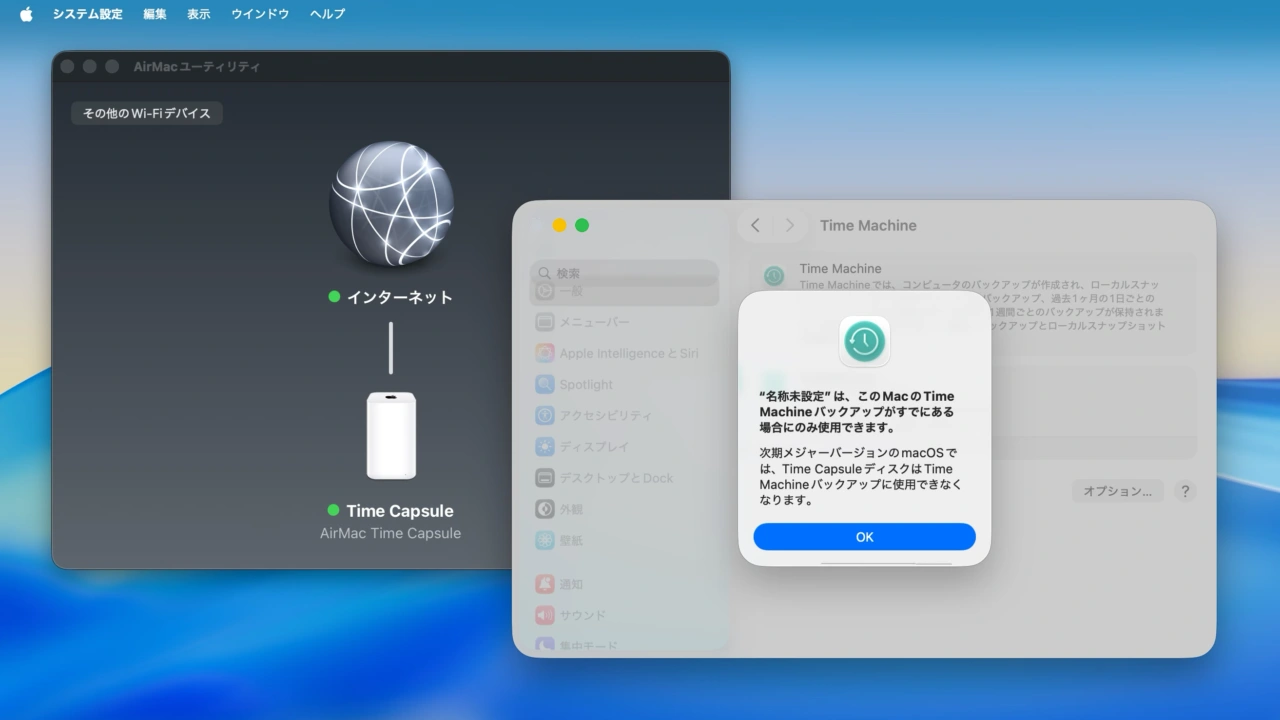
The engineer’s solution provides a way to keep the older time capsule macOS working, which is a helpful discovery for affected users. However, this workaround requires extra steps and external tools, because this complicates the simple process of backing up data. This situation raises questions about how Apple designs its systems, since users expect smooth changes between operating system updates and their hardware.
Why Apple Needs a New Time Capsule macOS
The existence of a complex workaround strongly suggests that Apple should consider making a modern replacement for the original time capsule macOS. The fact that a third-party engineer had to develop a fix shows a design flaw within Apple’s own system setup. Apple claims that the new operating system supports many features, but the data backup function clearly needs more attention and development focus.
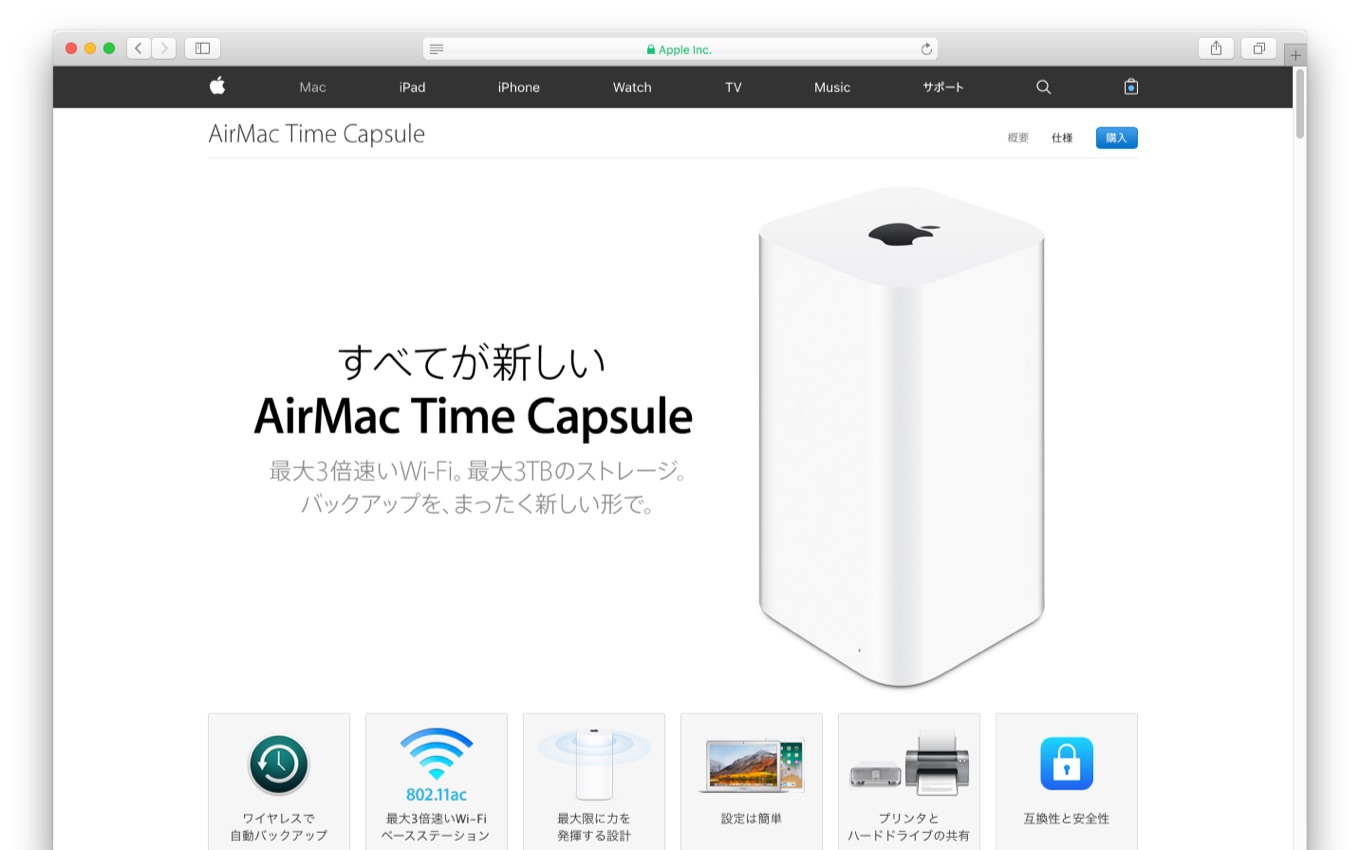
Consider these points about the current situation with the time capsule macOS:
- The original hardware fails when it pairs with the new macOS 27.
- A complex external method is needed to keep the older hardware working.
- The problem highlights a disconnect between Apple’s software and its older storage tools.
This technical issue matters greatly to everyday people because reliable data backups are totally key to protecting personal memories and important files. When a core function like data safety depends on complex workarounds, it affects user trust in the entire Apple system.
The discovery of a workaround, while helpful, still shows that the original design of the time capsule macOS struggles with modern software changes. Apple could improve user experience by releasing a newer, updated backup device that meets modern operating system requirements. If Apple were to make a new device, it would remove the current uncertainty and the need for outside technical fixes. This change would greatly benefit users who want simple, reliable data protection across different software versions.