










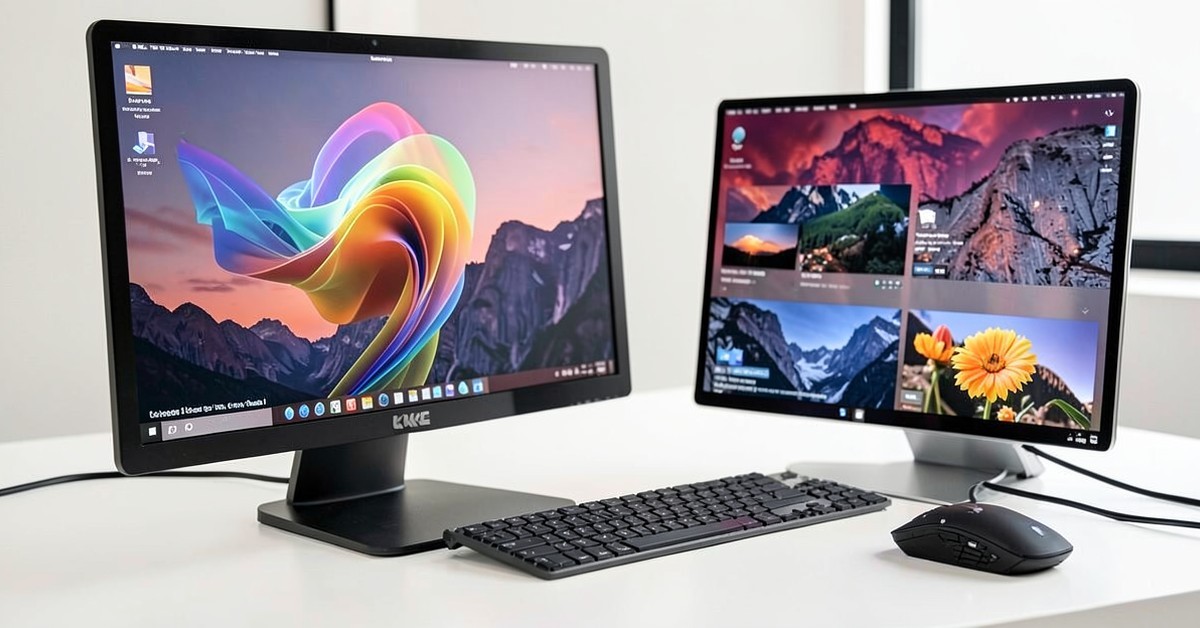
This operating system update allows users to build complex shortcuts simply by typing a description of what they want the system to do. The ability to automate actions by typing commands instead of dragging graphical blocks represents a big change in how users interact with their devices. This powerful capability immediately makes the idea of macos best features available to a much wider group of computer users.
Automation Through Natural Language
The core feature of macOS 27 allows users to create automated workflows, or Shortcuts, using natural language prompts. – Instead of needing to follow a specific visual guide, users can now type a description, such as “send a reminder about my meeting,” and the system handles the rest of the work. – This plain-language method makes advanced automation available to individuals who do not have programming knowledge or complex design skills. The designers show that this feature lowers the barrier to entry for powerful computer automation, which helps many everyday users.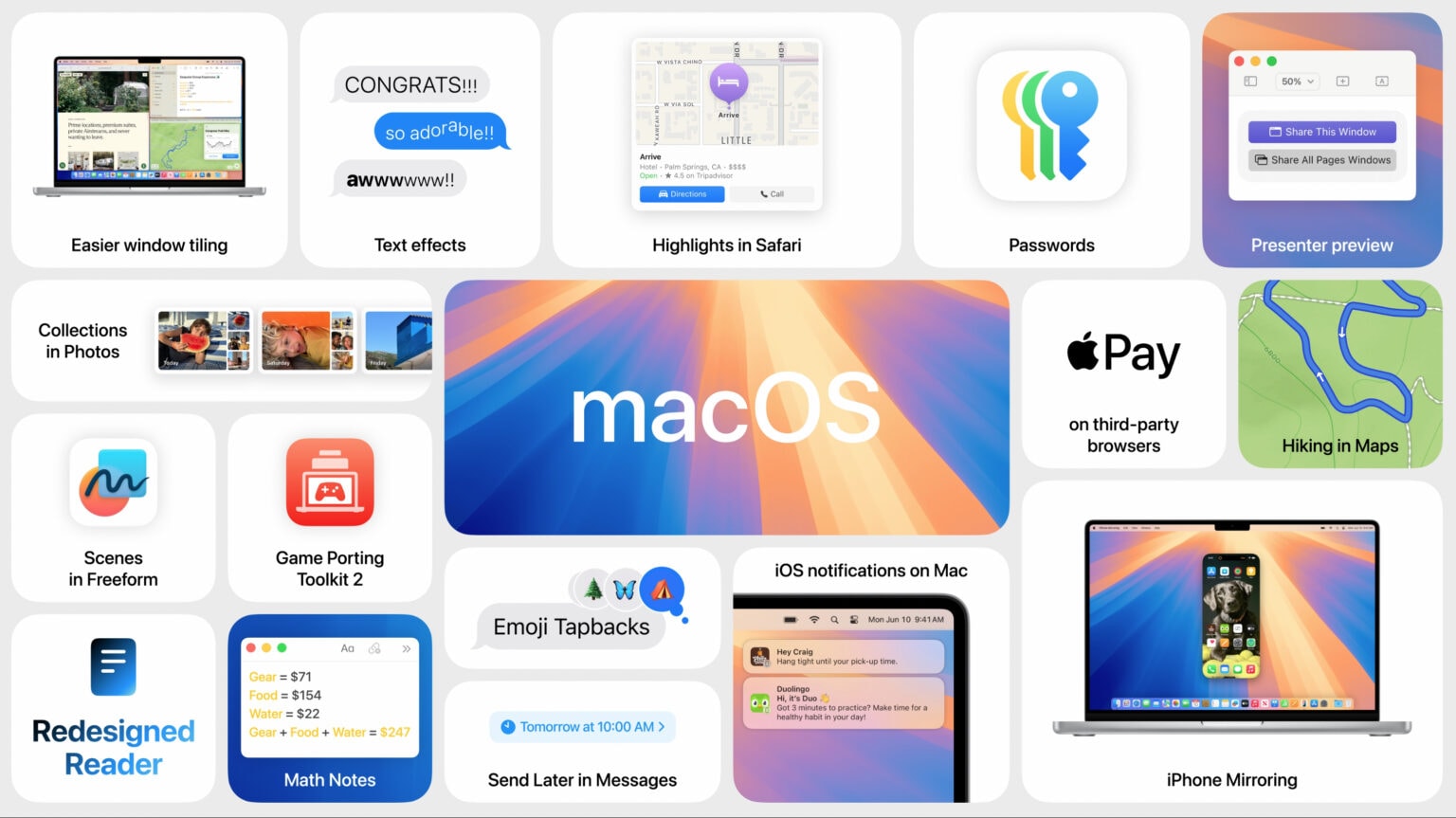
This method fundamentally changes how users approach repetitive computer tasks, moving beyond simple clicks toward conversational commands. Users can describe a desired outcome, such as “organize all photos taken last month into a folder,” and the computer executes the entire process. This kind of automation helps users reclaim time they previously spent on manual, repetitive actions within their daily computer routines. Natural language processing within the macOS system shows a big shift in how people view computer productivity.
Early Access for Coding Platforms
While the full macOS 27 update is slated for a fall release, developers who use Claude Code and Codex tools get access to this strong functionality sooner. – These specialized coding platforms allow select users to experiment with the new typing-based automation methods before the general public receives them. – The early access provided to these specific groups helps Apple gather initial feedback on the system’s stability and performance. This testing phase is key because it lets developers identify potential weaknesses in the new natural language processing tools.
This early access offers power users a unique chance to test the system’s limits in accurately interpreting human language. Users of Claude Code and Codex can immediately begin building custom Shortcuts, giving them an early productivity advantage. Since these coding platforms are designed for advanced users, initial testing focuses on complex, high-level tasks that might challenge the system’s understanding. This early testing helps refine the final version of the feature for the macOS Best Features release.
Why Does This Matter to Everyday Users?
For the average computer user who struggles with complex menus or complex setup processes, this natural language approach is revolutionary. It means non-technical individuals can still build powerful tools that save them time and effort daily. The ability to simply describe a task rather than navigate a complex setup menu makes the computer feel more intuitive and less intimidating. This increased ease of use applies across all user types, from students completing assignments to professionals managing complex schedules.
The Introduction of Typing-Based Automation
The introduction of typing-based automation greatly expands what a standard computer user can achieve without needing specialized knowledge. Users can create personalized workflows tailored to their unique habits, which older automation systems could not easily handle. While the system promises big changes, users should approach these claims with caution until long-term performance data becomes available. The feature’s success depends heavily on the system’s accuracy in understanding nuanced human speech.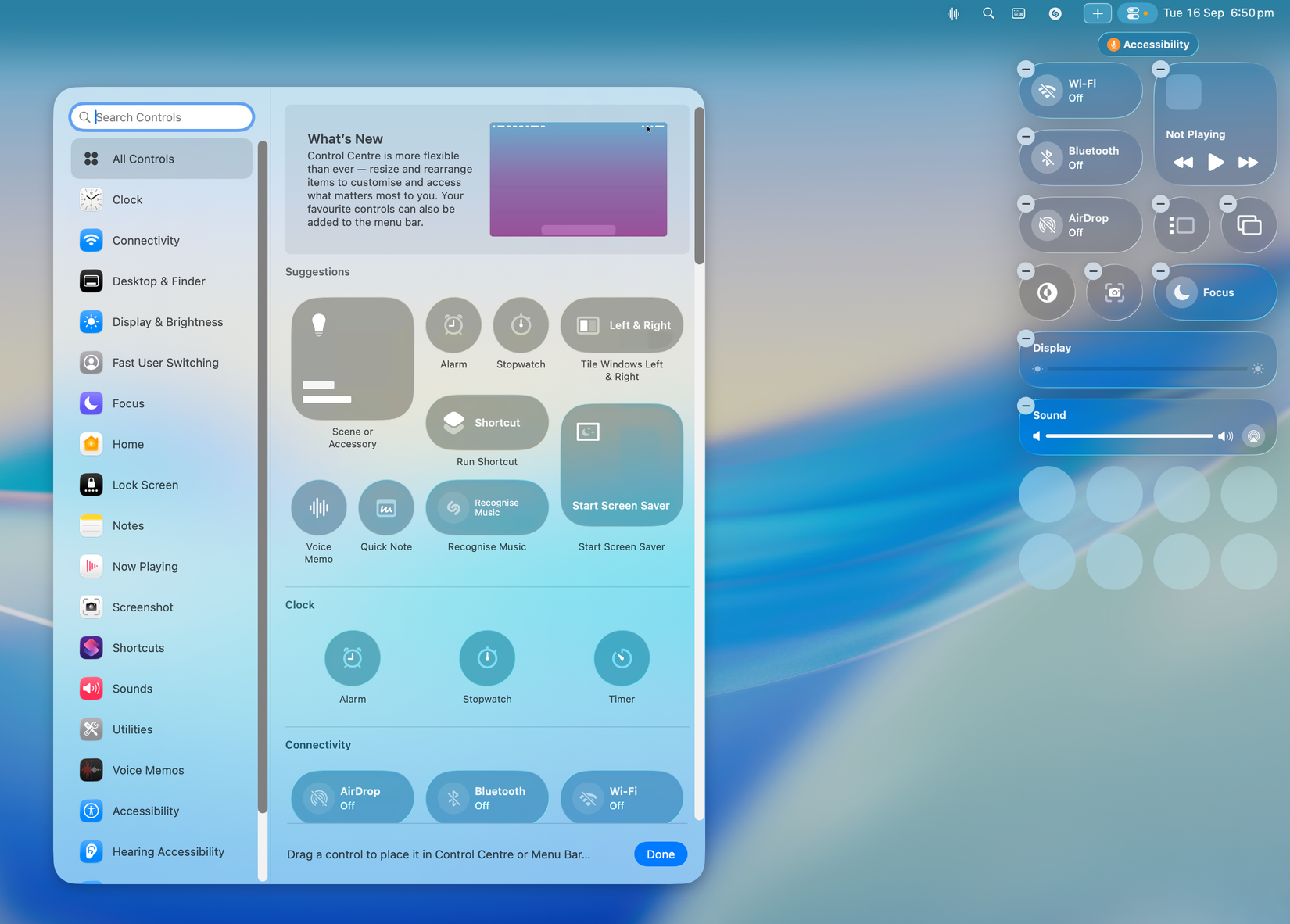
Understanding the Automation Workflow
The Shortcuts feature goes beyond simple task creation; it lets users connect different applications into one smooth workflow. For instance, a user could type a command that automatically pulls data from an email, saves it to a spreadsheet, and then sends a notification. This ability to stitch together multiple apps into a single action makes the computer function as one unified system rather than many separate programs. This connection ability truly makes the macos best features smart.
This integration capability moves the feature beyond simple reminders toward true digital assistance in the user’s daily life. Consider a scenario where the system automatically adjusts your phone settings upon arrival at your office, which is a complex task to set up manually. The system claims to manage that complexity simply by receiving a text command. This deep integration promises to make the operating system feel smarter and more helpful.
Evaluating the System’s Claims
Apple claims that natural language processing is smart enough to handle a wide array of user requests, which is a big claim requiring careful examination. While the concept is exciting, the actual performance will depend on how well it handles unclear or poorly worded commands. Users should expect that the feature will undergo continuous refinement after the fall macOS 27 launch. The initial rollout will likely contain areas where the system requires further training or user input to improve its accuracy.
The fact that developers have early access through Claude Code and Codex indicates Apple knows about the learning curve involved in this technology. By granting early access to technical users, the company can gather highly specific data on where the system struggles with language interpretation. This targeted feedback helps the company improve the system before the broader public uses it, showing a sensible development approach. Evaluating these initial results is key to determining if the promise of macos best features meets the hype.
The Future of Computer Interaction
As computers continue to gain the ability to… Related context: tech coverage.