








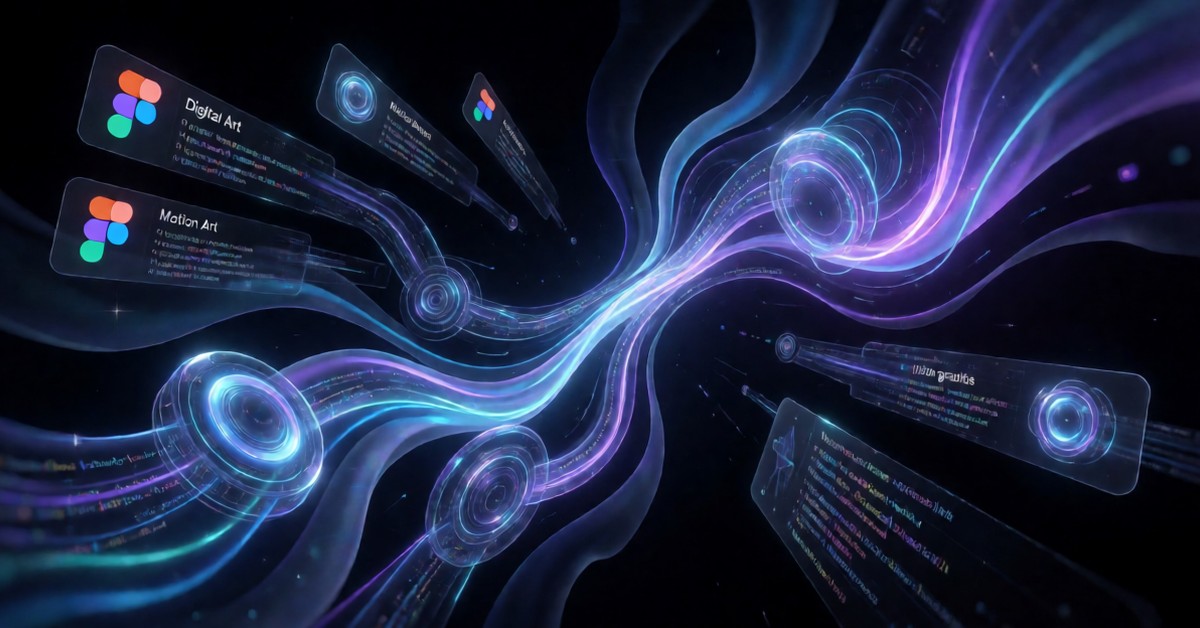
Figma recently announced several significant updates during its yearly Config conference. The company aims to help creative professionals advance their projects by automating time-consuming tasks using artificial intelligence. Figma unveiled powerful ai motion graphics and specialized shader tools, promising a complete change in how designers build digital products. This platform redesign optimizes the design workspace for comprehensive work, bringing together various teams, AI assistants, and essential materials into one cohesive area. The inclusion of advanced ai motion graphics fundamentally changes the landscape of digital creation, offering designers unprecedented power.
This major advancement moves design tools beyond simple static sketches toward dynamic, code-informed creation. Figma asserts that these new additions will help teams move smoothly from a visual concept to functional code. Designers now explore advanced visual effects through the new shader tools, gaining precise control over graphical properties. Previously, designers often lacked this fine-grained control within the standard design environment. 
Key Details
Figma intends to help creatives overcome design hurdles and significantly speed up the production cycle. Incorporating AI assistants directly into the design process promises to automate repetitive, tedious tasks that usually consume valuable designer time. For example, the AI can potentially create complex visual loops or suggest optimized layouts based on specific user parameters. The addition of ai motion graphics allows users to define complex movements right inside the design environment, dramatically simplifying the entire animation pipeline. This automation capability removes bottlenecks that often slow down large creative teams.
While the company makes broad claims about automation, teams must carefully examine how these new features operate in practice. Project teams rely heavily on the quality of the underlying AI models when the system handles design elements automatically. The new canvas optimizes for full-stack building, suggesting a deeper connection between the design file and the final deployed code structure. This powerful connection allows designers to factor in code restrictions while creating visuals. These advanced functions make the design phase much more robust and efficient for modern teams.
- AI assistants automate routine design and coding tasks.
- Shader tools give detailed control over complex visual effects.
- The unified canvas supports both design and building workflows.
What Could Change in Practice?
The inclusion of ai motion graphics transforms the traditional design workflow because movement is no longer a separate step handled by an outside video specialist. Designers now build highly dynamic interfaces directly inside Figma, which greatly simplifies the teamwork between visual artists and software engineers. This early visual planning allows developers to build against a more complete, movement-aware specification. This proactive planning prevents costly rework later in the entire project cycle, saving significant time and resources. 
The new shader tools give designers strong technical control over light, color, and texture. Before these tools, specialized graphics software often limited designers to specific features. These new tools allow designers to create highly realistic or stylized visual effects without needing deep knowledge of traditional rendering engines. This focus on advanced visual quality positions Figma as a premier tool for high-end digital product design and advanced creative projects. It allows for a level of polish previously difficult to achieve within a unified design platform.
Bridging the Gap Between Design and Code
This redesigned canvas targets full-stack building, successfully linking visual design on the front end with coding logic on the back end. Figma claims this unified method reduces the handoff phase, which often causes problems within development teams. When designers and engineers share the same workspace, they instantly see how visual changes affect the underlying code structure. This shared environment promotes consistency and greatly speeds up the overall design cycle.
AI assistants propose solutions by analyzing design requests; these solutions might include optimized code snippets or suggested layout adjustments. Although the platform offers powerful ai motion graphics abilities, users must understand that the AI functions as a strong assistant, not a complete substitute for human creativity. The platform’s capacity to bring together teams and tools in one space establishes a new industry standard for how design tools interact with modern software creation practices. Designers now possess a powerful, unified environment to bring their most ambitious visions to life with greater speed and precision. For related coverage, see tech coverage.