










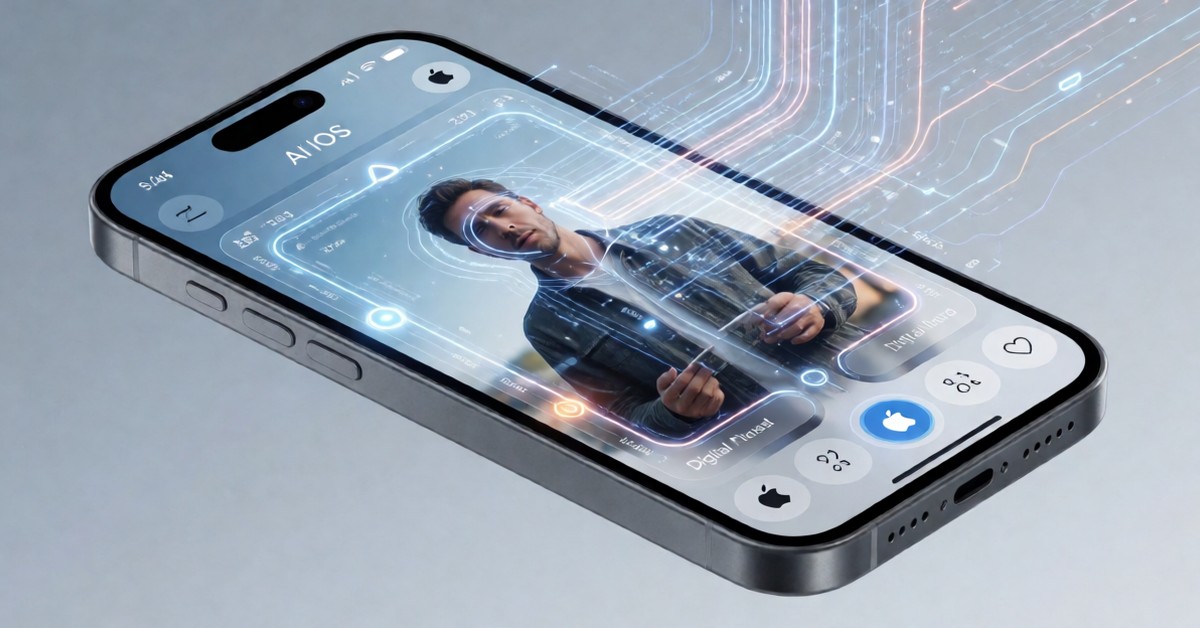
Apple Announced Eleven AI Features For Its Operating System, Suggesting a Big Shift Toward Smart Device Photography Experiences For Everyday People. The recent developer conference unveiled several major changes to mobile photography, which promises to change how users capture and modify pictures. These camera improvements, which the company presented at this year’s WWDC event, show considerable planning regarding how these tools will help users in their daily lives. Many users are already focusing on specific tools, such as Clean Up, Reframe, and Extend, because they address common problems people face when editing photos.
The Clean Up Tool
The Clean Up tool, which Apple claims is now considerably more powerful, offers users a smart way to refine images after they have taken them. This improved functionality helps people easily remove small unwanted objects from pictures, which maintains a cleaner visual appearance for the user. People can use this feature to remove distractions, such as stray litter or unwanted people, which significantly improves the final image quality. While the tool promises ease of use, users must still ensure that the removals look natural and do not leave behind strange artifacts. The claim that the tool is much stronger suggests Apple worked hard to make the removal process look more believable to the human eye.
The ability to remove elements from a photo means the user gains more control over the scene, even after pressing the shutter button. This control is especially valuable because real-life photography often involves unexpected distractions that appear in the frame. Although the company says the tool is better, the actual effectiveness depends entirely on the background complexity behind the object you remove. For example, removing an object from a highly detailed area requires smart computing methods that must accurately fill in the missing data. This makes the user experience much more helpful for people who want perfect-looking pictures without needing advanced editing programs.
Reframe And Extend: Changing The Scene
Apple also introduced the Reframe and Extend tools, which address real-life needs relating to the picture’s composition and perspective. These Features allow users to adjust the boundaries of a picture after the initial capture, which gives them a new chance at perfect framing. Reframe lets users shift the focus within the photo, while Extend allows them to digitally add areas beyond the original shot. This functionality provides a degree of creative freedom that previous versions of the operating system did not offer.
The power of these tools comes from how they smartly predict and generate missing photographic data based on the existing picture. Because the system must invent pixels outside the original shot, users should approach the results with careful scrutiny regarding how realistic they seem. The Reframe feature is particularly useful for correcting shots where the main subject was slightly off-center, which is a common mistake. Furthermore, the Extend feature might help people capture wider scenes without needing to physically move the camera again, which is a big benefit. These methods show a clear effort by Apple to make the phone a more creative partner for the photographer.
What Could Change in the App?
The improvements to the AI photo features ios suggest a move away from just taking images toward actively shaping the image itself. This shift means the phone acts less like a simple recorder and more like a digital studio that is always available in your pocket. People can use these new smart tools to correct mistakes or enhance compositions without needing expensive outside photo editing software. This functionality makes high-quality photo editing accessible to almost everyone who owns a modern smartphone.
The combination of Clean Up, Reframe, and Extend provides users with a powerful set of methods for post-capture editing. While the initial announcement is positive, consumers should remember that the results of these AI tools are still based on claims made by the company. The system needs to perform complex calculations very quickly so that the editing feels immediate and intuitive to the user. This speed and ease of use are what make the ai photo features ios potentially useful for millions of daily phone users.
- The Clean Up tool makes it easy to remove distracting elements, like random trash or people, from your photos.
- Reframe lets you adjust the composition of an existing photo, giving you better control over the subject placement.
- Extend adds new visual information to a picture, allowing you to capture scenes that were previously out of the frame.
Three Tools Form a Complete Set
These three tools together form a complete set of methods that address many of the common problems people face when they take pictures. The ability to easily correct photos after taking them greatly lowers the barrier to entry for serious mobile photography enthusiasts. Although the features are promising, the actual quality of the AI-generated content will determine how widely people adopt these tools. Apple claims these improvements represent a major step forward in making phone photography more user-friendly and powerful.